Creating a memorable logo is one of the first steps in building a successful brand. A logo represents your identity, communicates your values, and helps customers instantly recognize your business. In the past, designing a logo often required hiring a professional designer or spending hours learning complex design software. Today, artificial intelligence has made the process much easier and faster.
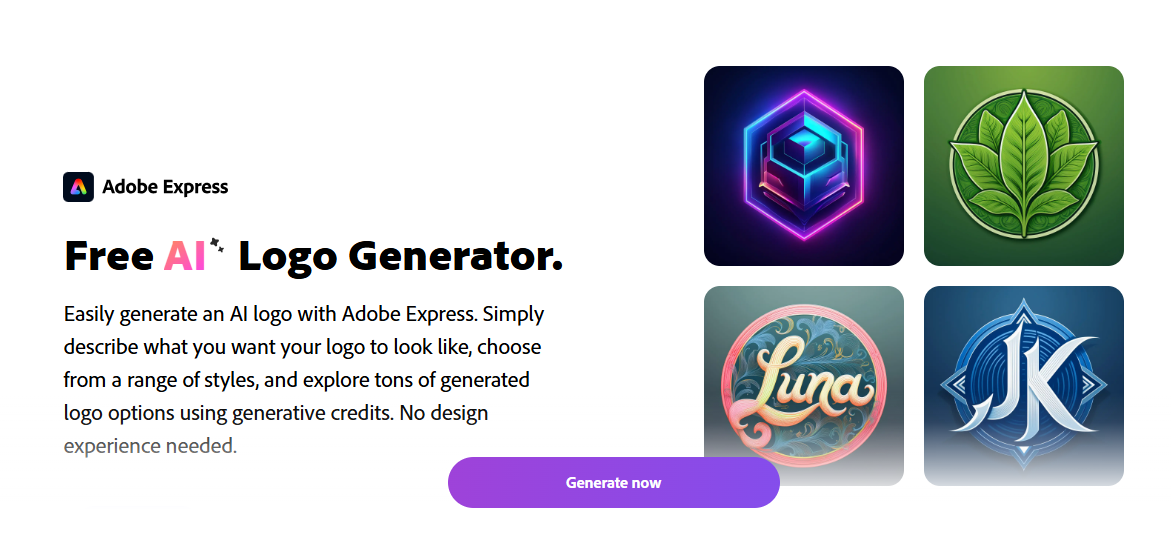
One tool that simplifies logo creation is an AI logo generator. This type of tool allows users to describe the kind of logo they want and instantly receive multiple design options generated by AI. Instead of starting from a blank page, you can explore ready-made ideas and customize them until the design matches your brand vision.
What Is an AI Logo Generator?
An AI logo generator is a design tool that uses artificial intelligence to create logos automatically based on text prompts or style preferences. Users simply enter a description—such as “modern tech logo” or “eco-friendly brand with green leaves”—and the system produces several logo concepts within seconds.
After generating a design, users can edit colors, fonts, and icons in the built-in editor before downloading the finished logo for use on websites, social media, or marketing materials.
Why Businesses Are Using AI for Logo Design
AI-powered logo tools are becoming popular among entrepreneurs, freelancers, and small businesses. They offer several advantages compared to traditional design methods.
Speed
Instead of waiting days or weeks for a logo design, AI can generate multiple options almost instantly.
Ease of Use
Most tools are beginner-friendly and require no professional design skills.
Creative Inspiration
AI-generated concepts can spark ideas and help users explore different visual styles.
Cost Efficiency
For startups and small projects, AI tools can reduce the cost of branding compared to hiring a designer.
Simple Steps to Create a Logo with AI
Most AI logo generators follow a simple process:
- Enter a prompt describing your brand or design style.
- Generate logo concepts based on your description.
- Customize the design by editing fonts, icons, or colors.
- Download the final logo for use across digital or print platforms.
This workflow allows users to go from an idea to a finished logo in just a few minutes.
Where You Can Use Your Logo
Once your logo is created, it becomes a central part of your brand identity. It can be used across many platforms, including:
- Business websites
- Social media profiles
- Marketing materials
- Email signatures
- Packaging and merchandise
Using the same logo consistently helps build recognition and trust among customers.
Tips for Designing a Better Logo
Even when using AI tools, good design principles are important.
Keep it simple
Clean designs are easier to recognize and remember.
Choose meaningful colors
Colors influence how people perceive your brand.
Make it scalable
Your logo should look good on both small mobile screens and large banners.
Stay consistent
Use the same logo across all platforms to strengthen brand identity.
Conclusion
Artificial intelligence is transforming the way people create visual content, including logos. AI-powered tools allow anyone—whether a business owner, blogger, or content creator—to design a professional logo quickly and easily.
By combining automation with customization, AI logo generators make branding more accessible than ever. For anyone starting a new project or refreshing an existing brand, these tools provide a fast and creative way to bring ideas to life.